

A clerk copies the same fields between screens all day. So what is robotic process automation? It is software that deploys digital workers, or bots, to perform repetitive, rule-based tasks through existing user interfaces.
RPA works best on stable, rule-based screen work. It is one tool within wider business process automation, and the technology for business innovation hub shows where it sits among other business technologies.
What RPA is and what it is not
Robotic process automation uses software robots to automate repetitive, rule-based tasks such as data entry and system integration, according to UiPath. Blue Prism describes the same idea as software that deploys digital workers to carry out those tasks. Both definitions point to the same practical test: a human could write the steps down as fixed rules.
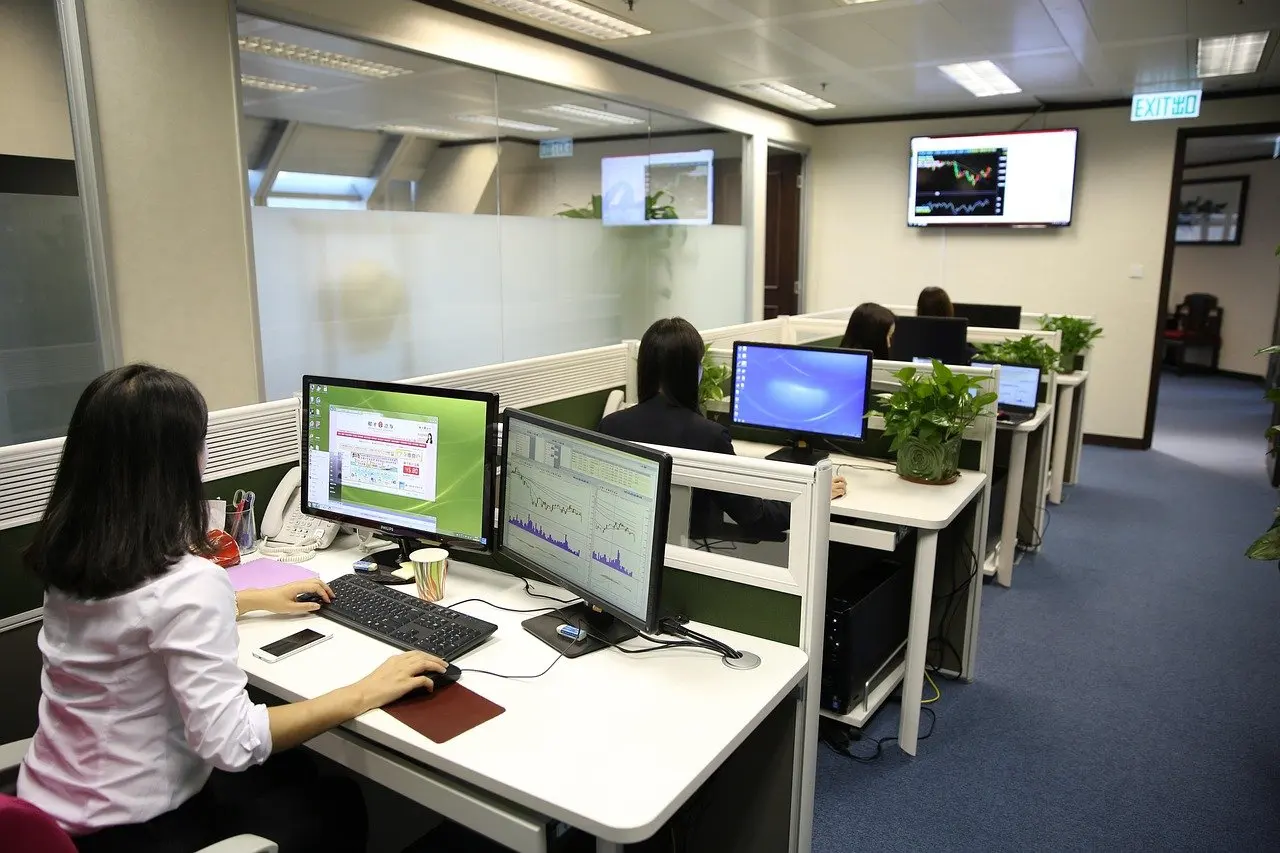
Three misunderstandings cause most confusion. The first is the word “robot”. A software robot has no physical form, and Open Source For You stresses that RPA has nothing to do with physical robots. The second is the belief that RPA needs deep technical integration. The third is that it is just a recorded macro. The table separates what is assumed from what is documented.
| Common assumption | What is documented | Planning use |
|---|---|---|
| RPA means physical robots | RPA is software; the “robot” is a program that performs the task on a screen | Budget for software licences and process work, not hardware |
| RPA needs APIs or backend integrations | RPA uses UI automation to work through existing user interfaces, unlike traditional automation that depends on APIs or backend integrations | Consider it when a system offers a screen but no usable integration |
| RPA is a simple macro | Simple automation scripts fail when a decision must be made, while RPA can follow decision rules, such as handling different types of mismatch in a reconciliation | Write the decision rules down before building |
Interface and decision-rule details come from Blue Prism’s RPA guide and Open Source For You’s explainer.
The lineage explains the macro confusion. Automation Anywhere traces RPA’s origins to keystroke macros developed for business applications in the 1990s. Modern bots add decision rules and scheduling on top of that idea. Screen scraping, which reads data from what a screen displays, is one technique inside this interface-level approach. Blue Prism pairs OCR and screen scraping to handle unstructured inputs such as scanned documents.

RPA versus AI
RPA is not artificial intelligence. It follows fixed rules, and Automation Anywhere acknowledges that this rigid, rules-based structure makes many business processes too complex for RPA alone. A bot that meets a case outside its rules stops or flags it, rather than reasoning its way through.
AI becomes the complement at that point. Automation Anywhere describes AI stepping in where RPA flags an exception, requires validation or is otherwise blocked. UiPath calls the combination AI automation, or intelligent automation, and says it integrated RPA with machine learning. UiPath adds that advances in AI have significantly expanded where RPA can be applied.
The practical choice follows from the process. Use plain RPA where inputs are structured and every outcome can be written as a rule. Look at AI additions where exceptions, validation or unstructured inputs keep interrupting the bot. Starting with plain RPA and adding intelligence later is a sound order when the process is still being understood.
Attended and unattended bots
Product documentation describes two operating models, and the right one depends on whether a person needs to be present.
- Attended automation. Automation Anywhere says attended automations are started with triggers or inputs to help human workers with routine tasks on demand. It suits work where a person starts or checks the task during their day.
- Unattended automation. Automation Anywhere describes unattended automations as using pre-programmed triggers, data inputs and schedules to run independently, without human intervention. Blue Prism likewise says these bots run in the background on schedules or in response to events. It suits predictable, high-volume work that does not need someone watching.
A process with frequent judgement calls leans attended. A process with clean inputs and a clear trigger leans unattended. Starting with the more supervised model while rules are still being proven keeps mistakes visible.
Tasks that suit RPA
UiPath says RPA excels at high-volume, repetitive, rule-based tasks, especially those that span multiple systems. Blue Prism’s discovery stage uses the same filter: identify rule-based, high-volume tasks suitable for automation. A task has to pass all of those tests, not just one.
- Cross-system copying. Moving data between applications that do not talk to each other is the core use, because the bot works at the screen level.
- Repetitive reconciliation. Open Source For You gives a reconciliation task as an example: it is repetitive and needs decisions based on the type of mismatch found. Those decisions work because the mismatch types are known in advance.
- Scanned or unstructured inputs. Blue Prism adds OCR and screen scraping for inputs such as scanned documents, so these tasks need extra components before they are ready.
Process mining helps with selection. Blue Prism says it identifies candidates for automation, which is more reliable than relying on opinions about which tasks are tedious. Tasks that depend on open-ended judgement, or whose process keeps changing, are poor first candidates.
RPA implementation steps
Blue Prism says RPA deployments follow a seven-stage lifecycle that runs from discovery to maintenance. The steps below turn its documented points into a working order.
- Find candidates. Identify rule-based, high-volume tasks, using process mining where data is available.
- Stabilise the process. Blue Prism warns that automating unstable processes produces fragile bots that break, so settle the rules first.
- Build for the interface. Design the bot to work through existing user interfaces, and add OCR and screen scraping where inputs are unstructured.
- Test in layers. Blue Prism advises unit-testing individual modules, then integration-testing against connected systems.
- Choose the run model. Decide between attended and unattended operation based on whether a person needs to be involved.
- Maintain the bot. Maintenance is the final stage of the lifecycle, so assign an owner for it before launch.
The ordering matters more than the tooling. Skipping stabilisation is the most expensive shortcut, because it builds a bot around a process that is still moving.
Benefits and risks of RPA
The central benefit is speed on work that follows rules. Blue Prism says organisations can process rule-based work in minutes instead of hours. The balancing risks arise mostly from the process, not the software.
| Aspect | What is documented | Planning use |
|---|---|---|
| Benefit: speed | Rule-based work processed in minutes instead of hours | Measure current handling time before automating so the gain can be checked |
| Benefit: no backend integration | RPA uses UI automation rather than APIs or backend integrations | Useful where a system only offers a screen |
| Risk: fragile bots | Automating unstable processes produces bots that break | Stabilise the process before building |
| Risk: rigid rules | Rules-based structure is too complex for many business processes | Keep to well-defined work, or plan for AI support at exceptions |
| Risk: recurring challenges | Common RPA challenges fall into six recurring categories | Review the challenge categories with the delivery team before launch |
The table draws on Blue Prism’s guide and Automation Anywhere’s overview.
The benefits and the risks are two sides of the same trait. Bots are fast because they follow fixed rules, and they are fragile for the same reason. Scale is real: UiPath states that millions of robots are at work around the world. That scale does not remove the need for monitoring, and an owner for each bot is the simplest safeguard.
Once bots move data reliably between systems, the next question is what the organisation does with all that data, which is covered in a guide on how companies use big data.
Frequently asked questions
| Question | Answer |
|---|---|
| Who introduced the term RPA? | Blue Prism says SS&C Blue Prism introduced the term in 2012. The idea itself descends from keystroke macros built for business applications in the 1990s. |
| Is there a vendor-neutral definition of RPA? | The Institute for Robotic Process Automation defines it as the application of technology that lets employees in a company configure software robots, as reported by Open Source For You. |
| How widely is RPA used? | UiPath’s own figures put the robot workforce worldwide in the millions. This is a vendor statement, so treat it as an indication of scale, not an audited count. |